Look at your photos.
Nothing else in the way.
Peek is a borderless, lightning-fast photo viewer for Mac — a lighter alternative to Preview. Open a photo, swipe through the folder, pinch to zoom, and get back to work.
Version 1.2.1 · 4.7 MB · macOS 12 or later · Apple silicon & Intel
Simple by design.
Everything you need to look at photos, and nothing you don't. Free, forever.
Just your photo.
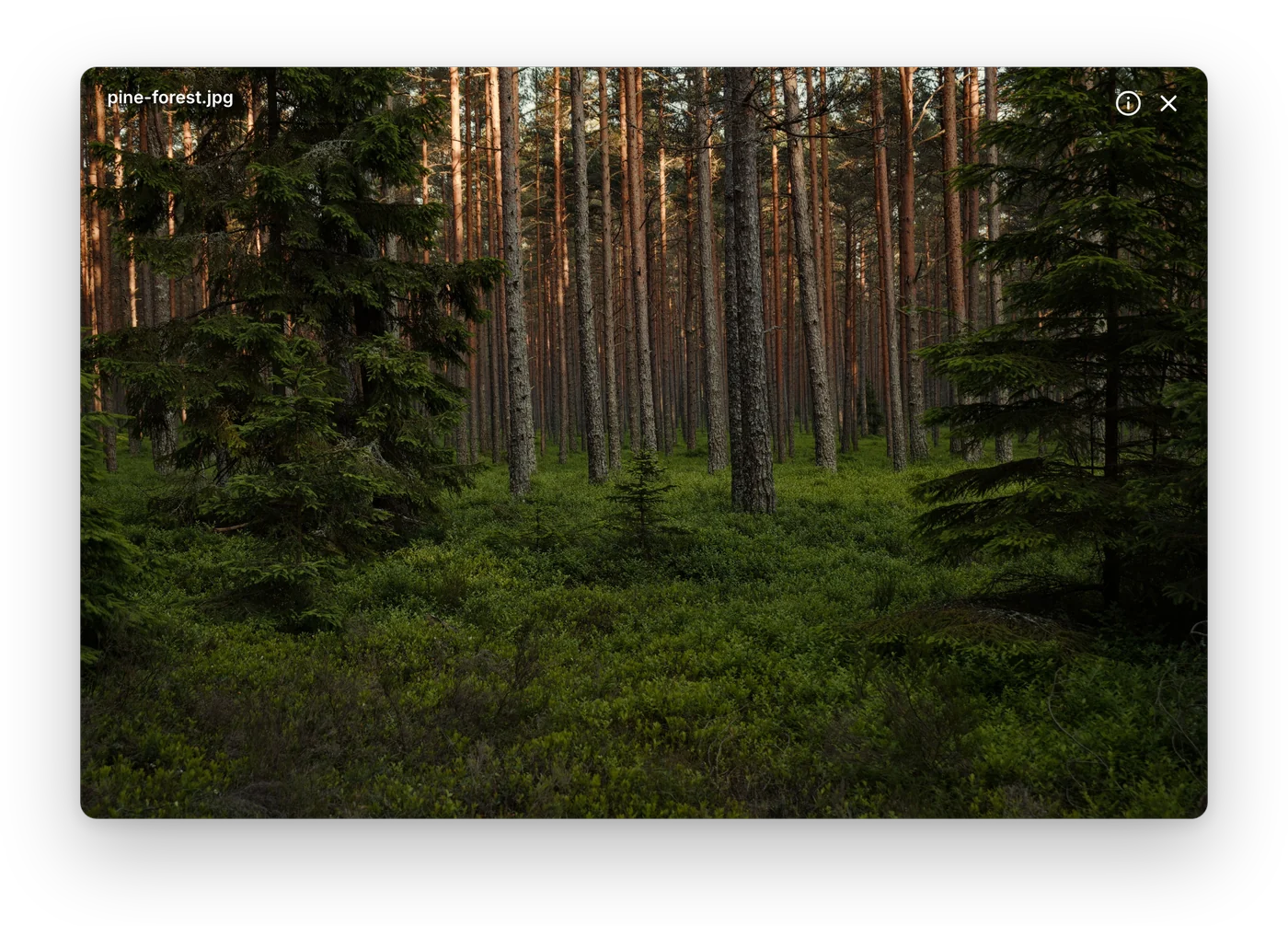
Every image opens in a borderless window shaped exactly like it. No title bar, no frame — nothing between you and the picture.
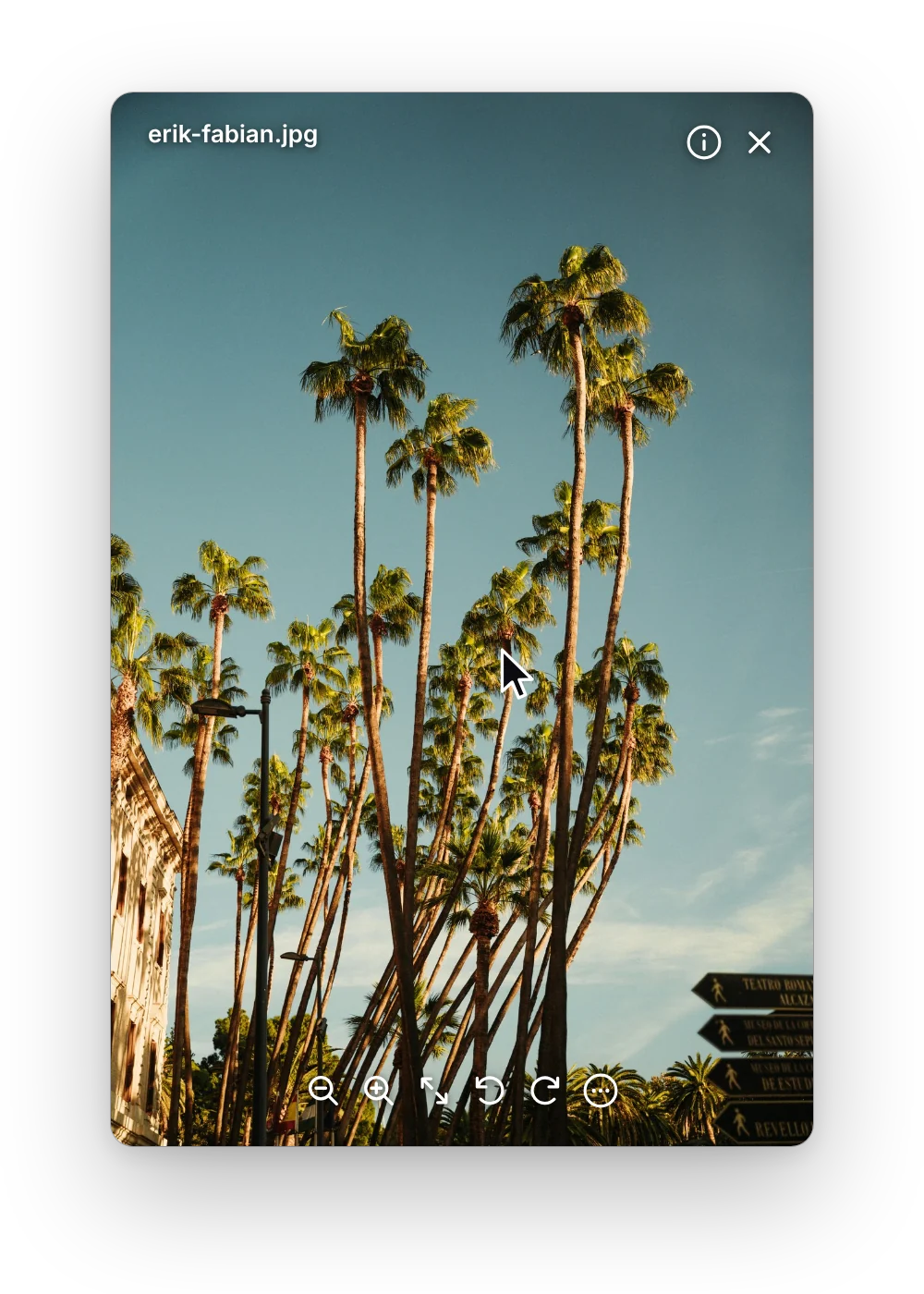
Controls that step aside.
Zoom, Fit and Rotate appear when you move the pointer and fade away the moment you stop.
⌘+ ⌘− zoom · ⌘0 fit · ⌘R rotate
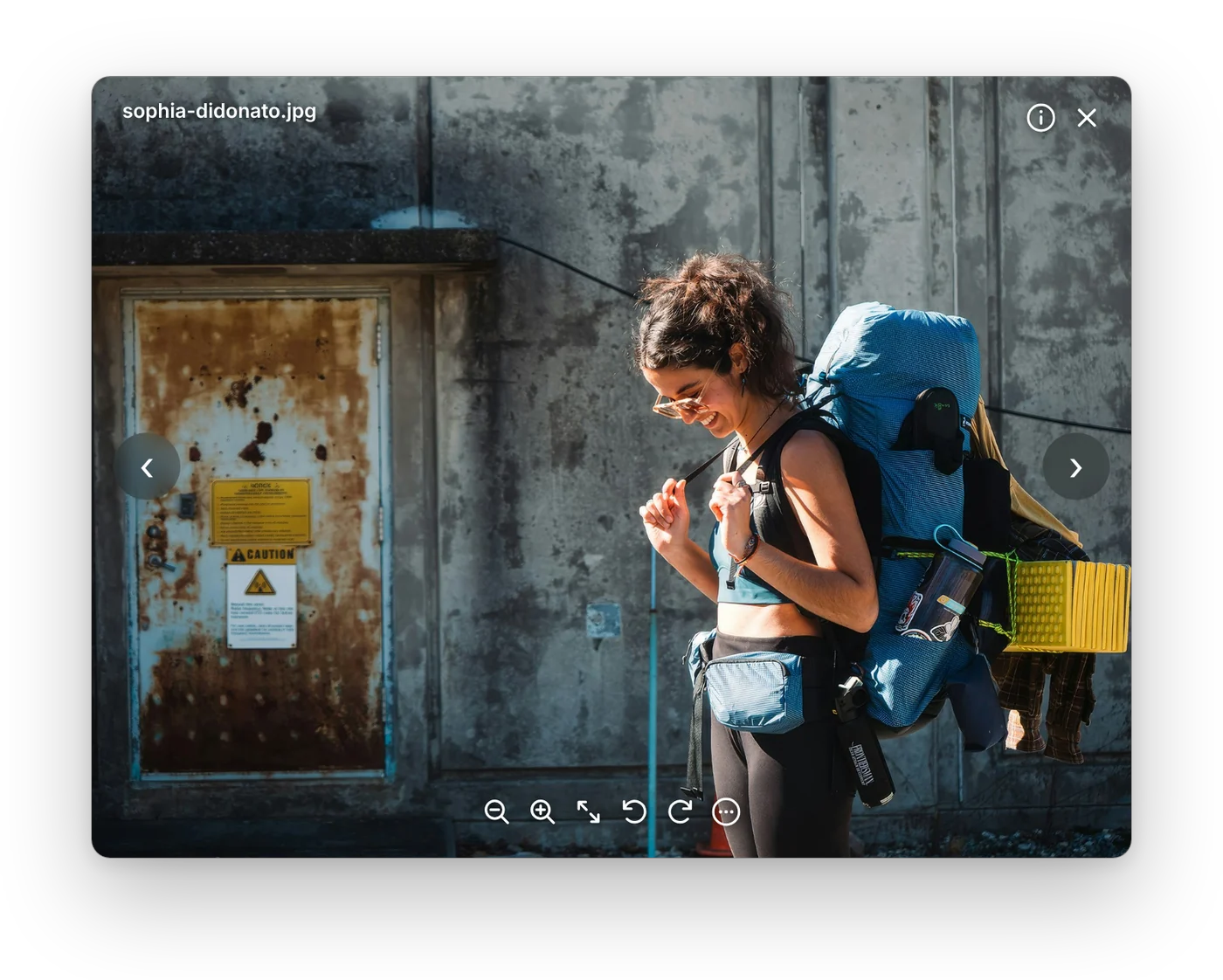
Swipe through the folder.
Two-finger swipe or arrow keys to move through every photo in the folder. Pinch to zoom, smart zoom, rotate — all with your trackpad.
← → next and previous
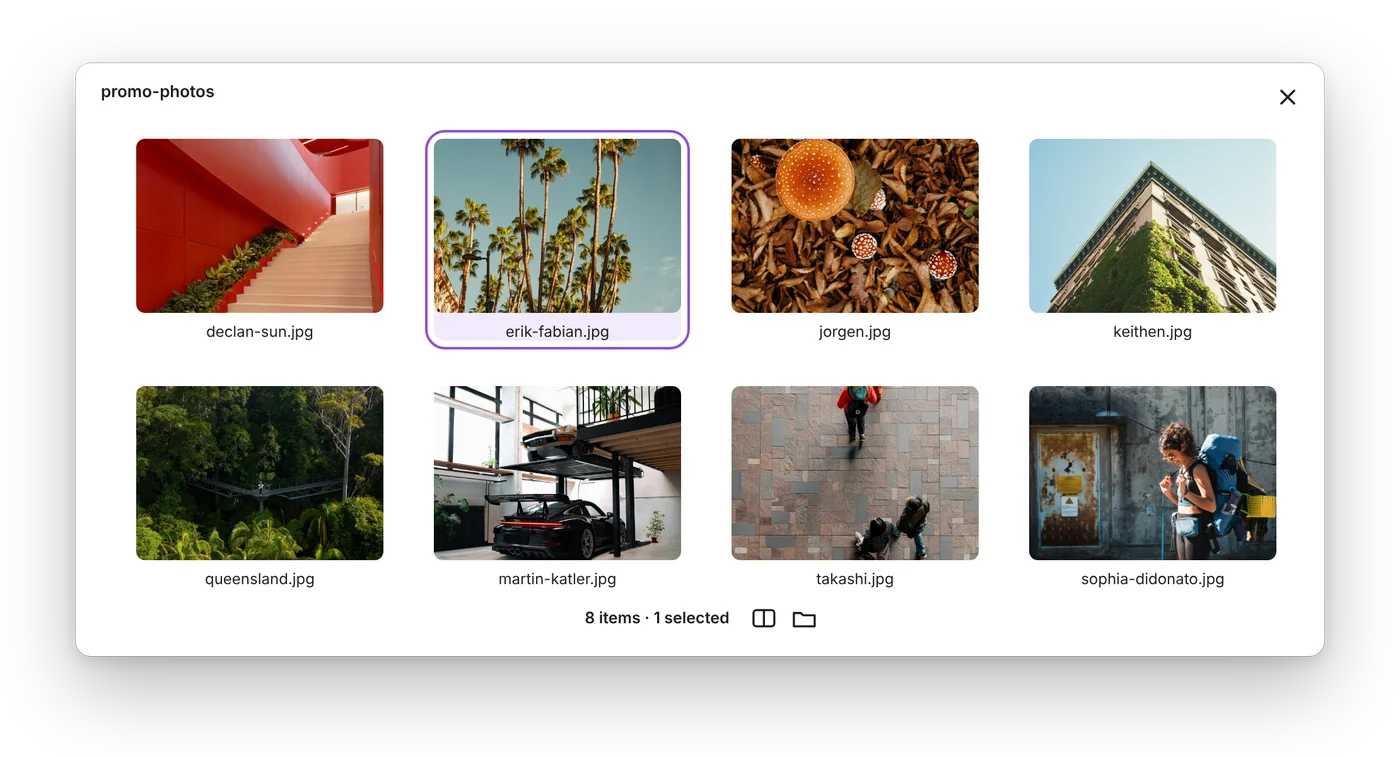
All your photos at a glance.
Press G to see the whole folder in a clean grid. Select many photos, drag them anywhere, press G again to jump back.
G all photos
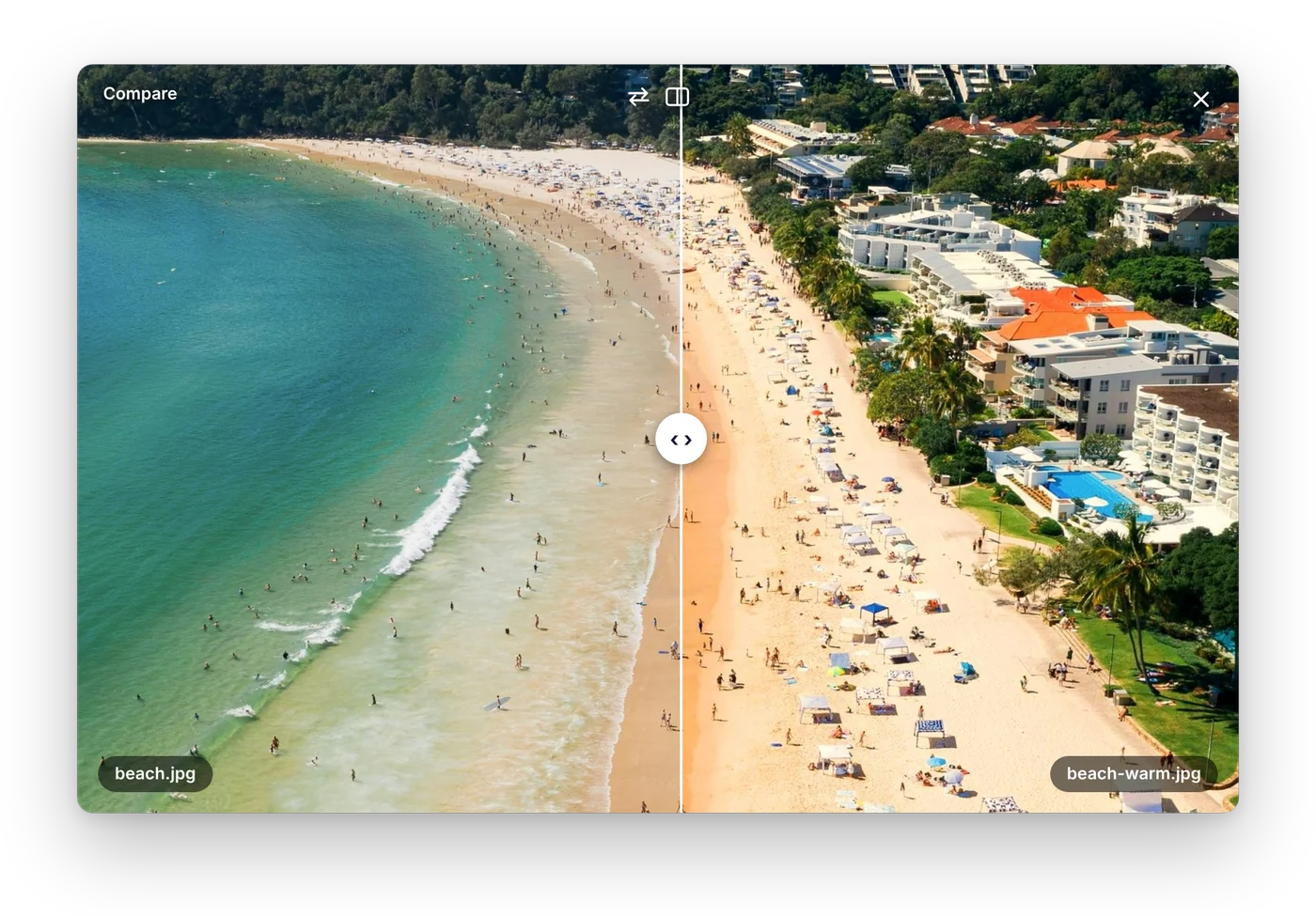
Compare, side by side.
Slide between two images to spot the difference — perfect for checking an edit or a compressed copy against the original.
⌥⌘K compare
A faster way to view photos on Mac.
Preview is built for PDFs and editing. Peek is built for one thing: looking at your photos.
Opens instantly
Double-click a photo and it's there, at the size of the photo. No toolbar, no sidebar, no waiting.
Every format you shoot
JPEG, PNG, HEIC, WebP, GIF, TIFF, BMP and camera RAW from iPhone, Canon, Nikon, Sony, Fujifilm and more.
Made for your trackpad
Pinch to zoom, smart zoom, rotate and swipe to the next photo — just like Photos on iPhone.
Photo details in one key
Press I for size, date taken, camera, lens and exposure.
Your default viewer
Make Peek open your images instead of Preview with one click in Settings.
Private by design
No account, no tracking in the app. Your photos are opened and processed only on your Mac.
More than a viewer.
Pay once, keep it forever. Everything runs on your Mac — your photos never leave it.
Drop on the notch
Drag photos up to your MacBook's notch and let go. Peek compresses them all and shows the space saved.
One-click Compress
Smaller files that look the same, in the same format. Your originals are never changed.
Remove Background
Lift the subject out of any photo with an on-device AI model and save a transparent PNG.
Copy Text
Grab text from screenshots, receipts and slides in one click. Works offline, in many languages.
Lives in your menu bar
Close the last window and Peek stays one click away, with your tools and recent photos.
Video, even MKV & AVI
Play videos in the same borderless window, frame by frame, and save any frame as PNG.
Free to view. Pro for $3.99.
One-time purchase. No subscription. Free updates.
Peek
- Borderless window, fading controls
- Pinch, rotate & swipe gestures
- JPEG, PNG, HEIC, WebP, GIF, TIFF & RAW
- All Photos grid & Compare
- Photo info, copy, move to Trash
- Compress, Remove Background, Copy Text, video
Peek Pro · 1 Mac
- Everything in Peek
- Compress & drop on the notch
- Remove Background (on-device AI)
- Copy Text from images
- Menu bar mode
- Video incl. MKV & AVI, frame-by-frame
- Convert to JPEG / PNG, keep on top
Peek Pro · 3 Macs
- Everything in Peek Pro
- Use on up to 3 Macs at once
- Move licenses between Macs anytime
- Free updates
Secure checkout by Paddle, our reseller and Merchant of Record · Prices in USD, local taxes may apply
30-day money-back guarantee · Terms · Privacy · Questions? info@superpigstudio.com
Questions & answers
Is Peek free?
Yes. Viewing photos is free forever — including the All Photos grid, Compare and all gestures. Peek Pro adds Compress, Remove Background, Copy Text, the notch drop zone, the menu bar mode and video for a one-time $3.99 (1 Mac) or $6.99 (3 Macs).
Is Peek Pro a subscription?
No. You pay once and keep Pro, including all future updates.
Which Macs are supported?
macOS 12 Monterey or later, natively on Apple silicon and Intel. Remove Background needs macOS 14 Sonoma or later; the notch drop zone needs a MacBook with a notch.
Do my photos leave my Mac?
Never. Every photo is opened and processed on your Mac — including Compress, Copy Text and Remove Background. Peek has no analytics and no ads.
How do I activate Peek Pro?
After checkout your license key arrives by email. Open Peek → Settings → Enter License… and paste it.
I'm getting a new Mac. Can I move my license?
Yes. On the old Mac choose Settings → Deactivate on This Mac, then enter the key on the new one. Old Mac lost or erased? Enter the key on the new Mac and choose “Move to This Mac”.
Can Peek replace Preview as my default viewer?
Yes — open Settings and click “Set for Images” (and “Set for Videos” with Pro).
What if Peek isn't right for me?
Email us within 30 days of purchase for a full refund. See our Refund Policy.
Try Peek today.
Free download. Works with the photos you already have.
Download for Mac — FreeVersion 1.2.1 · 4.7 MB · macOS 12 or later · Apple silicon & Intel